It is important that you know if the copier supports your signal format. Here’s a guide on how you can confirm if your preferred signals are supported by the copier on your own.
Step 1: Install and setup the copier as shown in this guide.
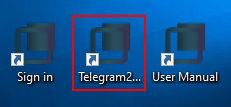
Step 2: Open the Copier app.
Step 3: Forward/ Send the signal you want to test to your Saved Messages.
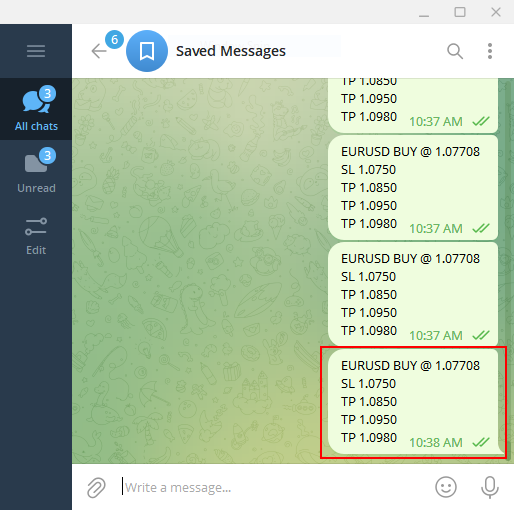
** If your signal uses different signal commands(Entry commands, TP commands, SL commands) make sure you insert them in the copier settings.
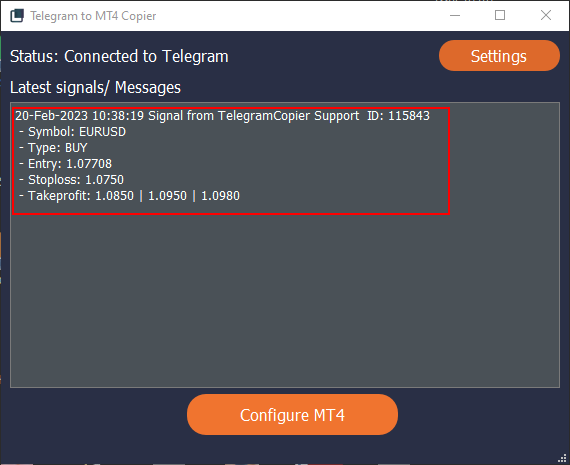
If the signal appears in your copier screen as shown above, This means the copier supports the signal format! You can proceed with using those signals with the copier.